
Ever wondered what makes a musical surprise feel truly real and not staged? This guide walks you through a friendly, practical plan that keeps the moment warm and natural.
SongGifted.com gives the best personalized song experience and can craft an epic video that arrives ready for posting. That means clearer audio, neat subtitles, and a video cut that highlights the story behind the music.
Expect a short, step-by-step path that covers creative reveal ideas and the technical bits: audio clarity, subtitles, file quality, and timing. You’ll learn platform-ready tips for Instagram, TikTok, Facebook, YouTube, and X.
This article explains what sharing can mean — a public post, a private Story, a surprise reveal clip, or a link for close friends. The goal is simple: turn a personal story into shareable memories that feel like real moments, not just another clip.
Key Takeaways
- Use a crafted video from SongGifted.com for instant post-ready quality.
- Choose the right reveal: public post, private Story, or a surprise clip.
- Focus on audio clarity, captions, and ideal file size for each platform.
- Time your post for emotional impact and better engagement.
- Keep the story front and center so the music forms lasting memories.
Why a Personalized Song Gift Makes Social Sharing So Powerful
When a melody reflects real life, even a brief clip can spark strong emotion.
A crafted personalized song compresses a story into a short, meaningful moment. Viewers sense the message quickly because music and lyrics deliver context without long setup.
Emotional mechanics: a familiar melody and specific lines trigger memories. References to real-life details—an inside joke, a milestone, a shared habit—make the chorus hit harder.
Most shareable moments in the US
- Birthday posts that celebrate one life chapter.
- Wedding recaps and first-dance highlights.
- Anniversary tributes and spontaneous “just because” days.
Public vs private: what to show
Show the reaction, the chorus, or a single lyric line for a clear moment. Keep exact locations, sensitive memories, and private names offline when needed.
| Moment | Best Clip | Privacy Tip |
|---|---|---|
| Birthday | Reaction + chorus | Avoid guest list details |
| Wedding | First dance segment | Skip venue exact address |
| Anniversary / Just because | Lyric line that names a memory | Keep sensitive stories private |
Get Your Song and Video Ready for Posting with SongGifted.com
Start by turning your story into a clear musical brief that guides every lyric and arrangement choice.
Personalized song essentials: pick 3–5 vivid details, one emotional theme, and a single hook line. These words help writers and producers lock a consistent style and deliver a strong chorus within the first 10–20 seconds.
Why a polished video matters
Studio-clean audio and crisp captions make the moment watchable and repeatable. An epic video raises replay value and speeds up posting with a ready-made clip.
Pick the right format
- Audio-only: private listens or group messages.
- Lyric video: clarity for lines that matter.
- Full montage: visual reaction plus the full emotional arc.
Fast workflow and final results
SongGifted.com handles the process: share your story, collaborate on direction, review lyrics, then receive final files. Expect multiple versions, editable lyrics, and a clean mix that sounds great everywhere. Plan a long version for YouTube and short cuts for Stories so the same custom song works across ways and platforms.
How to share your personalized song gift on social media
Pick the right platform first; each app favors a different clip length and mood.
Platform checklist:
- Reels/TikTok — short hooks and reaction shots work best.
- Facebook — full clip for family reach and comments.
- YouTube — long-form video with full story and credits.
- X — a short clip plus a link back to the full post.
Decide whether the audio will be background music or the focus. Use a lyric overlay when lines need context. If viewers need the words, show them. If the reaction is the point, keep lyrics off-screen.
Caption formula: one sentence that explains the why and what it celebrates. Example: “A little song for Mom’s birthday — hoping she feels how much we love her.” Keep private details out.
Use occasion-specific tags: #birthday, #wedding, #family. Tag only people who approve. For surprises, schedule posts, use Close Friends, set Facebook to Friends, or keep YouTube unlisted until reveal day.
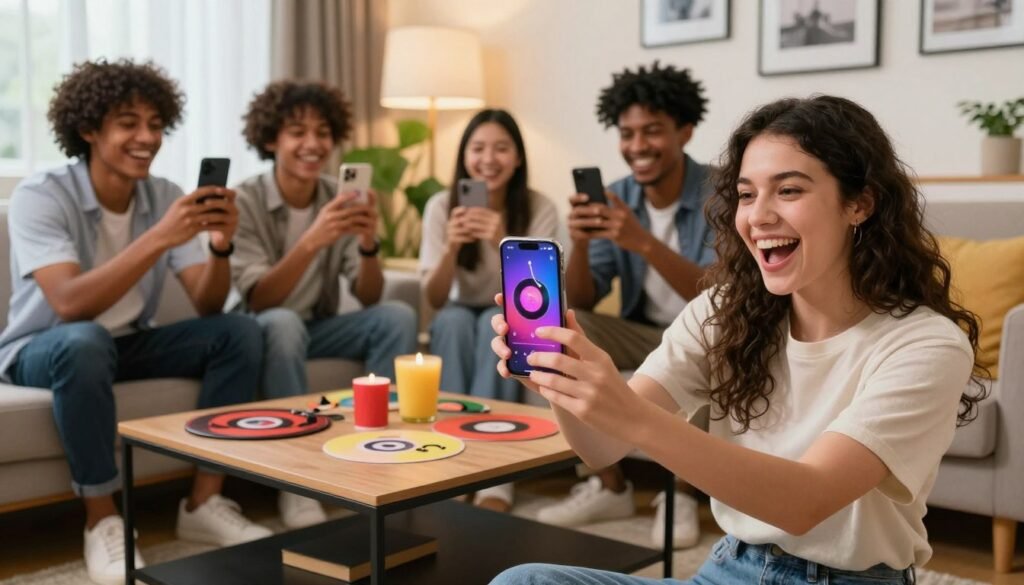
Timing tip: post in the evening local time in the US so the loved one can see and react. Try a two-step post: a short clip first, then the full version in comments or as a follow-up for anyone who wants the whole story.
Creative Reveal Ideas That Film Beautifully for Social Media
Choose a setup that makes faces light up and recordings feel genuine and warm.
The classic living-room playback
Setup: warm lamps or candles, a speaker or TV, and a phone on a tripod.
This scene gives soft light and steady framing. It highlights reaction shots and the music without feeling staged.
Start the song when the cake arrives
Have the chorus cued. Press play as the cake appears, capture faces first, then pan to the speaker for context.
This timing creates a picture-perfect moment for that special day and an instant emotional clip.
Surprise in the car
The car audio system is immersive and reactions are candid. Film from the passenger seat for natural angles.
Short, real responses filmed here translate well to reels and shorts.
Long-distance message script
Write a brief note, attach the audio file or link, and suggest headphones for first listen.
Keep the text warm and direct so the recipient feels seen even from afar.
QR code gift card
Print a small card with a scannable QR that unlocks the personalized song instantly. Add simple scan steps.
Use this for birthdays, family gatherings, or an “open this first” moment.
| Reveal | Best Camera Angle | Why it works |
|---|---|---|
| Living room | Tripod eye-level | Warm light, authentic reactions |
| Cake cue | Face-first, then pan | Peak reaction in chorus |
| Car surprise | Passenger seat | Immersive audio, candid emotion |
| Text/email | Phone screen capture | Private first listen with headphones |
| QR card | Flat lay + scan | Physical reveal, instant access |
Filming tips: shoot horizontal for YouTube, vertical for Reels, and record 10 seconds of silence before play. Capture “after” clips—hugs, laughs, replays—because those seconds deepen the memories and make the final post feel complete.
Wedding and Proposal Sharing Ideas That Feel Cinematic
Make the first dance feel like a movie scene by cueing a custom track at the perfect beat.
Integrate with the timeline: coordinate the exact timestamp and volume with the DJ or band so the transition is seamless. Confirm a sound check and provide a short cue file for a clean recording that won’t clash with live sets.
For a cinematic first dance, play the full track for the room and prepare a 15–30 second highlight clip for platforms. That short edit should start at the chorus or a strong melody hook so the moment reads instantly in autoplay feeds.
Try a surprise slow dance mid-reception by announcing one quick line, then starting the chorus. Capture guests’ reactions and wide shots to make the post feel communal and big.
During a proposal, keep the music low so spoken words remain clear. Afterwards, make a second edit where the track is louder for dramatic playback. Pair a key lyric or melody hook with the ring or embrace shot so the story is obvious even with sound off.
- Plan exact cues with vendors for smooth timing.
- Make one short highlight for social and one full mix for archives.
- Confirm guest comfort before posting public clips.
Make It Interactive: Karaoke, Duets, and Family Sing-Alongs
Turn a quiet living room into a lively sing-along with a simple screen, a mic, and a clear cue.
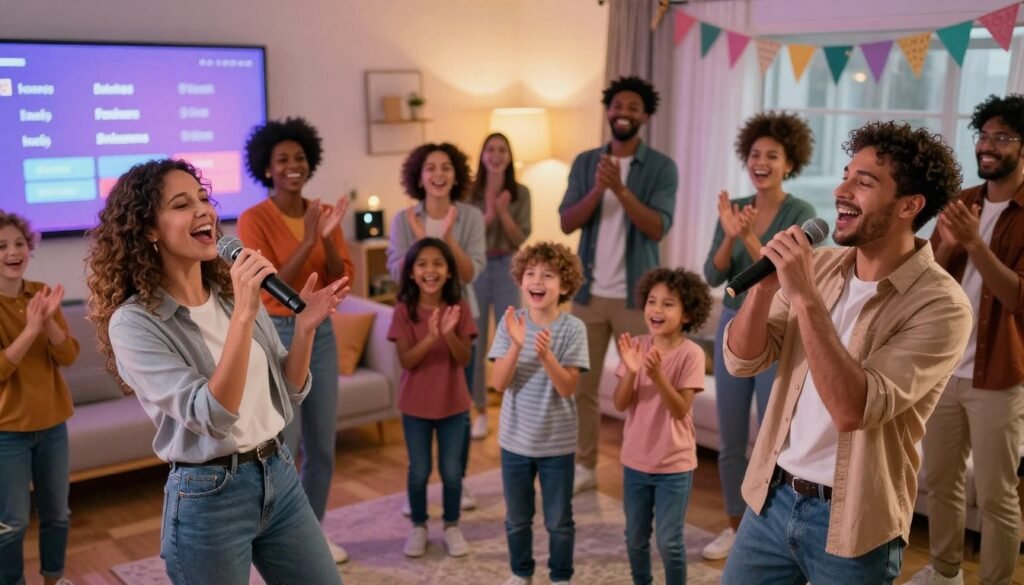
Host a karaoke-style moment. Set a TV or projector with lyric overlays, plug in a mic, and treat the evening like a mini party built around the custom track. Keep the setup simple so everyone feels invited.
Record a duet or group chorus. Plan one easy chorus for everyone to sing together. Let verses stay casual; emotion matters more than perfect pitch. This approach creates natural moments and candid smiles that edit well.
Film in short segments. Capture an intro, one chorus, a laugh, and a replay take. Short clips give you many posting options and cut down on reshoots.
Turn lyrics into on-screen sing-alongs
Add large lyric overlays, highlight key lines, and keep text mobile-friendly. This helps family members follow along and makes silent autoplay readable.
- Try a private group first—family chat or a closed group—so everyone can approve before wider posting.
- Create a “best moments” edit for public feeds if the group agrees.
- Use these interactive ways to build an experience people want to rewatch at reunions and milestones.
Best Practices for Posting Your Song, Lyrics, and Video Without Complications
Post with confidence by following a small set of technical checks that protect clarity and privacy.
Keep audio clear
Record close to the speaker, keep volume below distortion, and trim long dead space. Avoid loud background noise that makes audio sound muddy on phones.
Clean export vs room sound
Use a clean file when possible — a direct export delivers consistent results across platforms. Film room audio only when the reaction and ambient feel are essential to the clip.
Show the lyrics or the story
Use subtitles or a lyric overlay when the line carries the meaning or viewers may watch muted. Add short captions that give context without revealing private details.
Protect personal details
Blur addresses, hide school names, and omit specific locations when a memory is private. Keep names out of public captions if the moment should stay intimate.
Save masters and organize files
- Keep a high-quality master export for future milestone days and anniversary re-posts.
- Name files by occasion and date for quick retrieval.
- Store both final video and separate audio stems so you can edit later and preserve results.
Quick checklist: record near the speaker, trim dead space, avoid noisy background, add subtitles when needed, and archive masters for future life moments and memories.
Ideas for Reusing Your Custom Song Across Platforms Over Time
Stretch one great recording into short clips, long edits, and yearly highlights for lasting impact.
Atomize the track. Make 7–12 second Story clips, a 15–30 second Reel or TikTok, and a full-length YouTube upload that holds the complete story. Small clips grab attention; the long version keeps the context.
- Use Stories to tease a best moment, then link back to the full video or a hosted page so the full story still has a home.
- Build an annual memory recap: pair the same custom song with new footage each birthday, anniversary, or family day to create a recognizable tradition.
- Post behind-the-scenes notes that explain one lyric line, the mood, or the idea without oversharing private details.
- Try a mini-series: initial reaction, a process clip about how you made the track, then the chorus on the next milestone day.
Pick a reliable website or service that supplies clean masters and an epic video version. That makes future edits faster and keeps those memories looking great for years to come.
Conclusion
When a single melody can hold a memory, small choices make it shine.
, Start with a clear message, pick a fitting style and words, prepare a shareable format, and mind privacy and timing. Keep the plan simple so the moment stays real and easy to watch.
Focus on one true moment—reaction, chorus, or a lyric line—so the post feels authentic instead of overproduced. A polished video from SongGifted.com makes that easier; it delivers an epic video and clean audio that lifts the music and the message.
Pick one reveal idea and a platform today so the idea does not sit unused. SongGifted.com is the service and website for strong results: high emotional impact, share-ready assets, and a smooth process that preserves life memories.
Sharing isn’t about perfection; it’s about capturing memories your loved one will want to replay.